
CaratFlow
CaratFlow
Turn raw jewellery photos into catalogue-ready studio images — in seconds.
No photographer. No studio. No editing software. Upload your photo, get a professional product image back — ready for your website, catalogue, or WhatsApp.
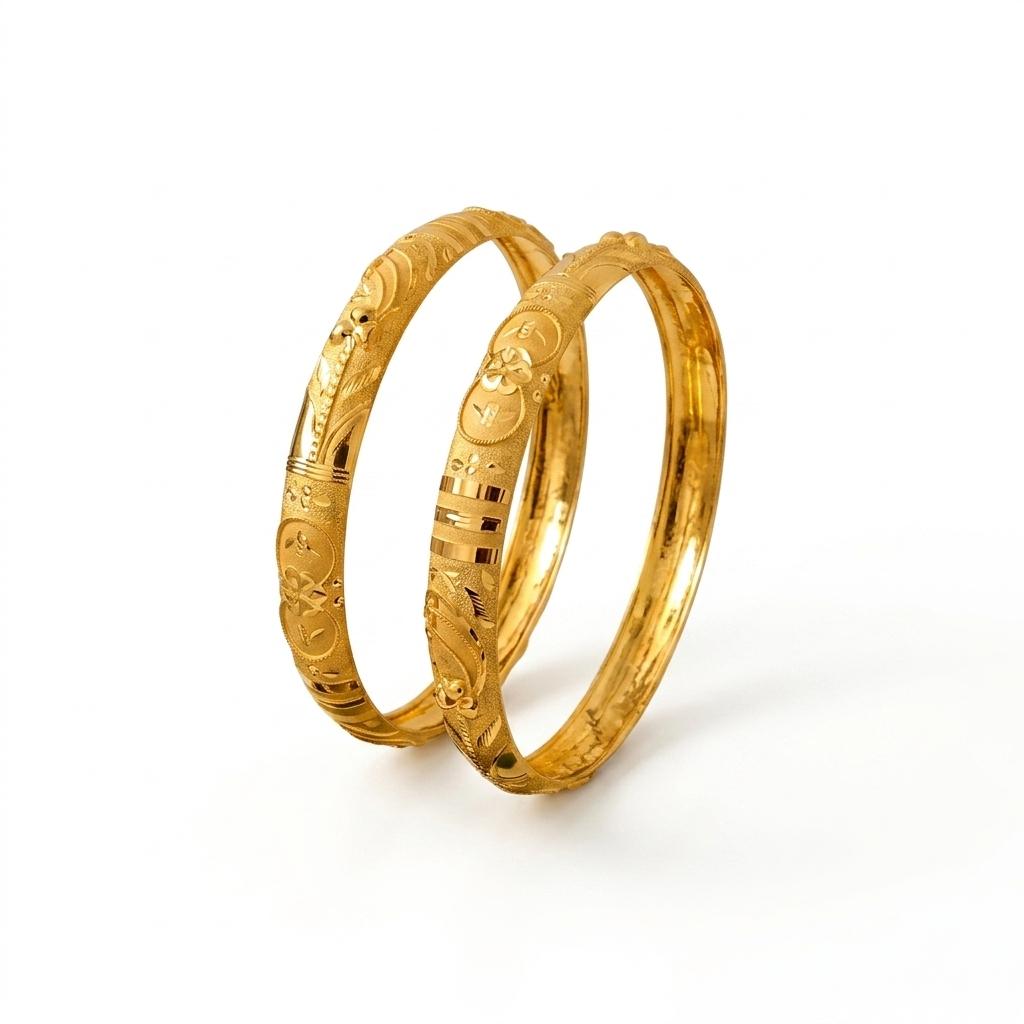
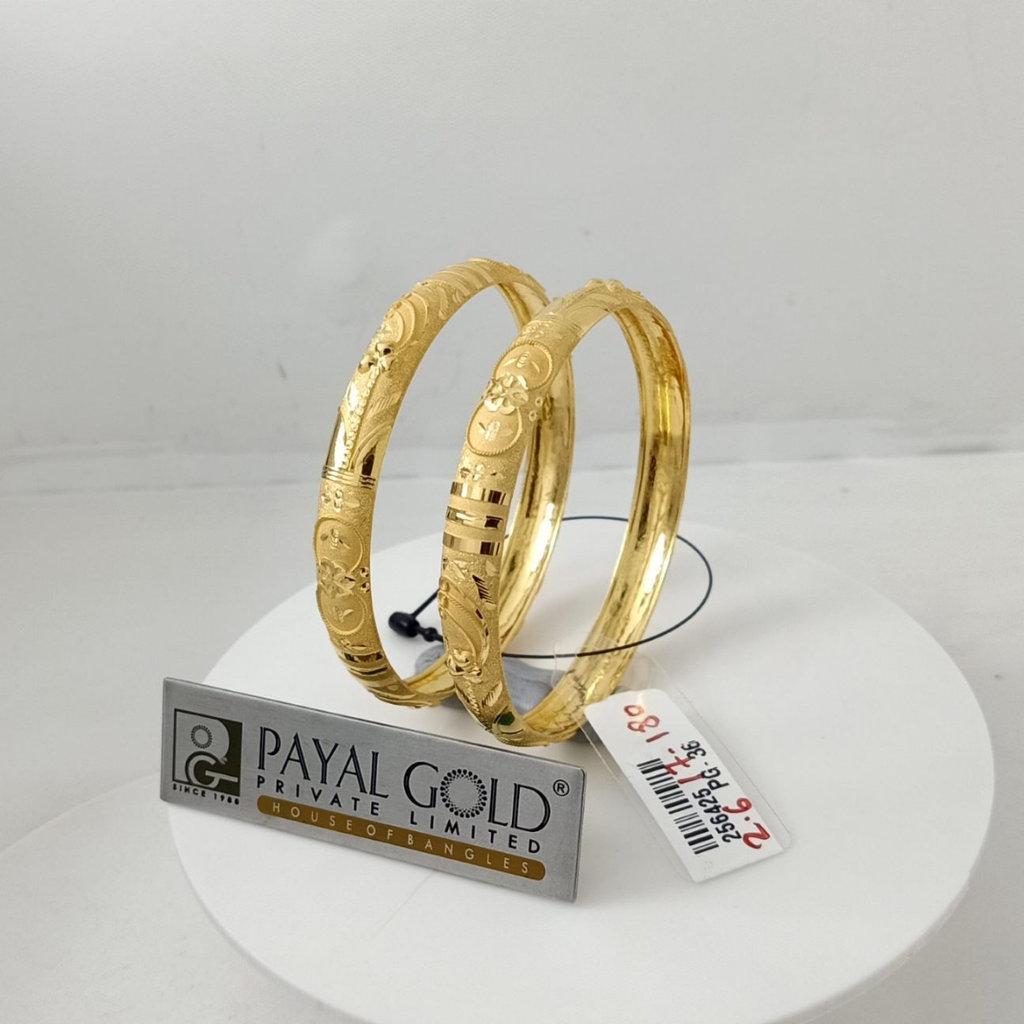
← Drag the slider to see the difference
What CaratFlow does
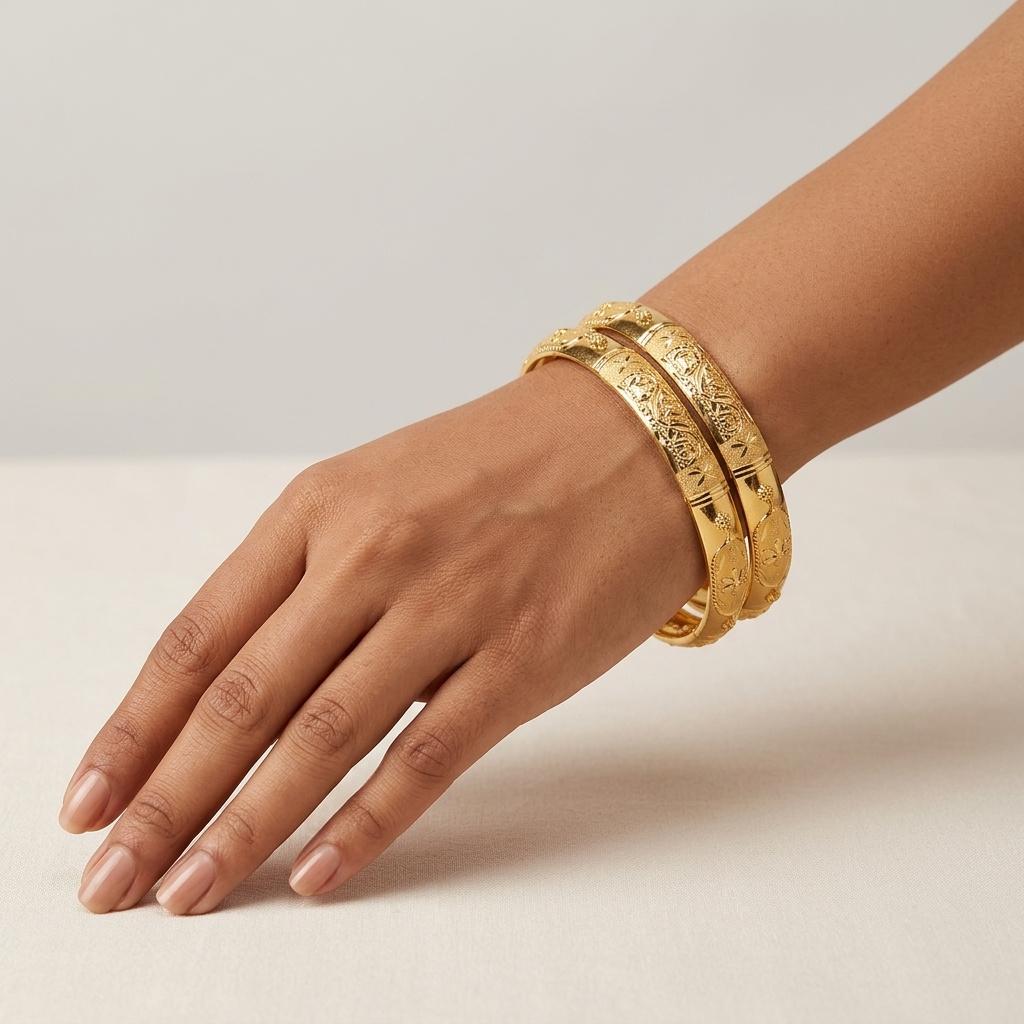
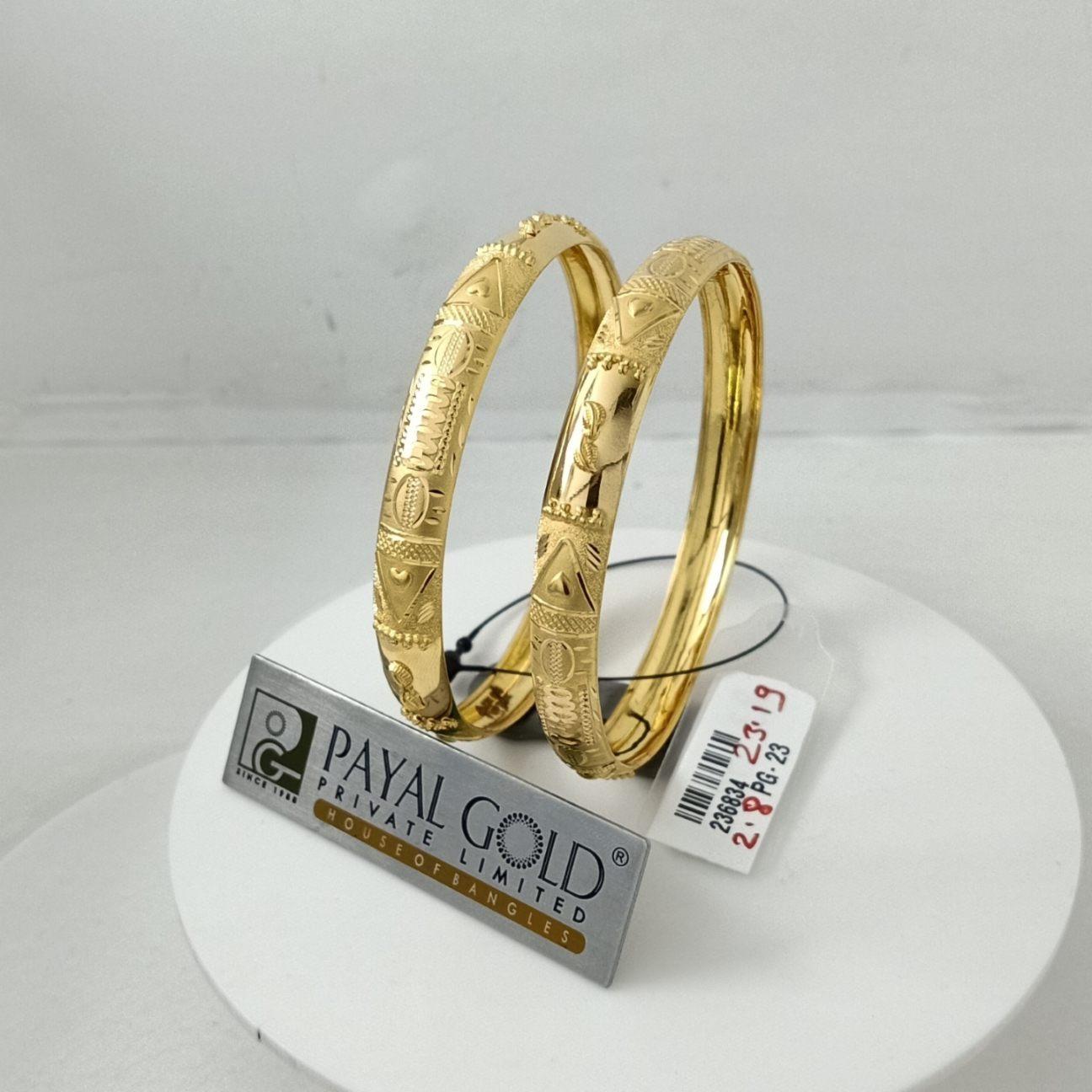
Clean studio shot from hand photo
Upload a photo of jewellery worn on hand — CaratFlow isolates the piece, removes the skin background, and places it on a clean white studio canvas.
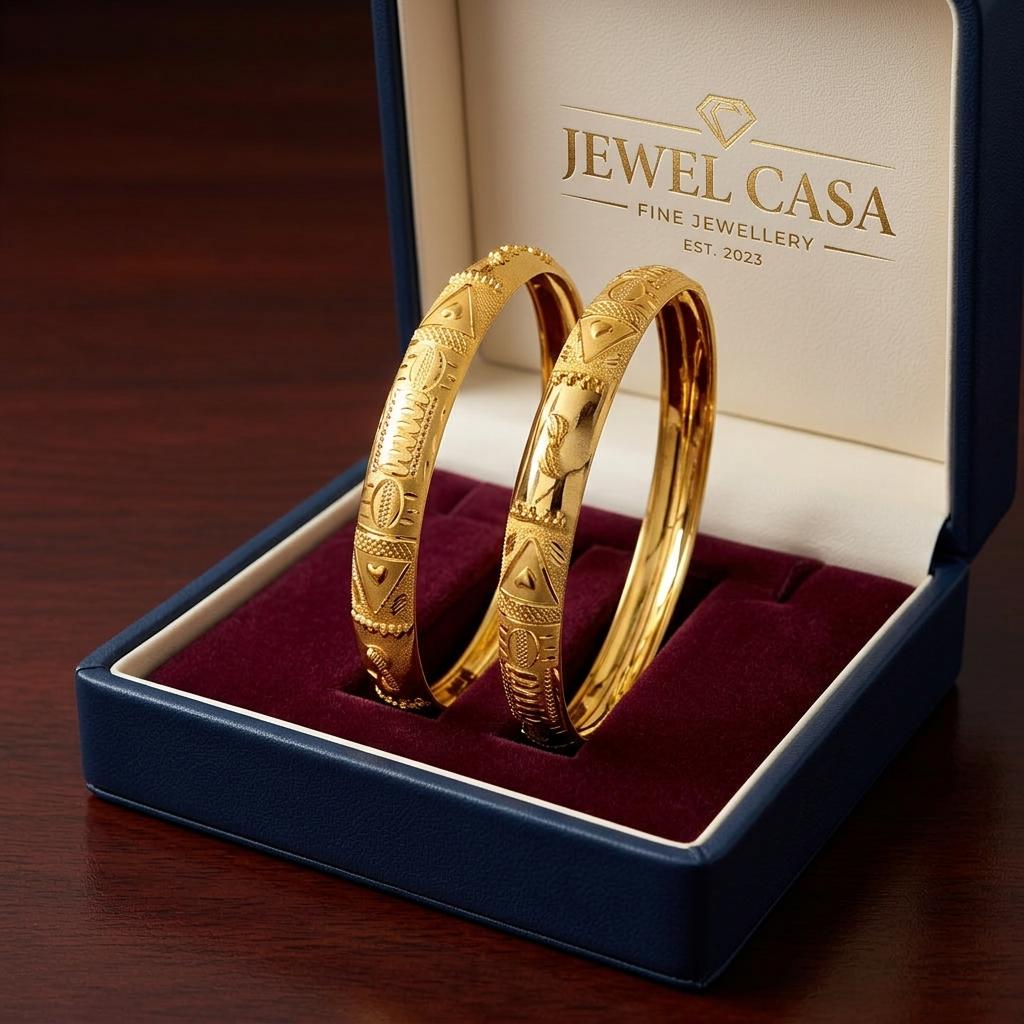
Jewellery box & branding visuals
Automatically recompose your jewellery into branded packaging shots — perfect for catalogue covers, gift box listings, and premium presentation.
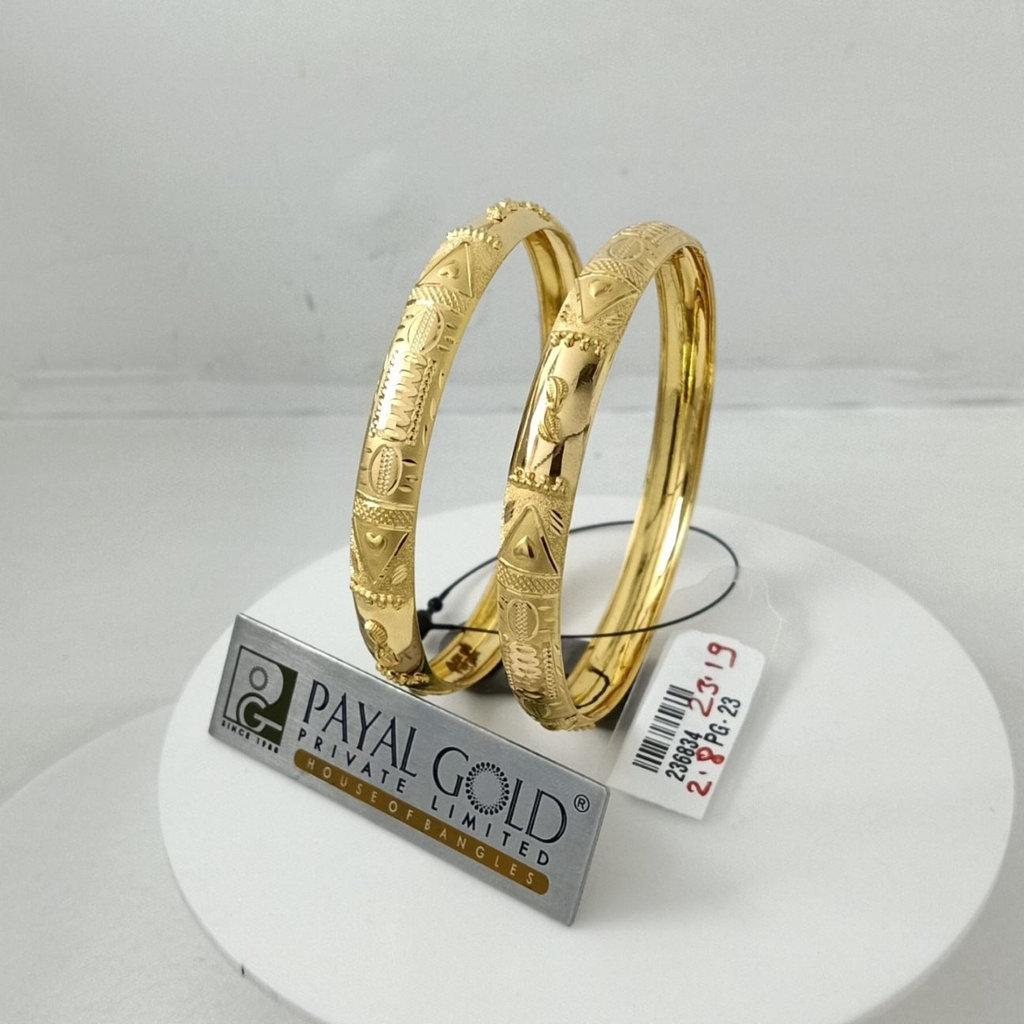
Studio-ready from raw stock photo
Remove price tags, ribbons, threads, and name plates automatically. Get a clean, professional product image ready for your website or catalogue.
Capabilities
Everything your photo studio does,
in one click
Background Removal
Precise AI segmentation removes any background — white cloth, hand, display stand — leaving only the jewellery.
Tag & Ribbon Cleanup
Automatically detects and removes price tags, ribbons, threads, and name plates from raw stock photos.
Colour & Lighting Grade
Enhances gold tone, balances brightness, and adds a soft studio shadow for a premium catalogue look.
Batch Processing
Process up to 24 images in a single request. Ideal for seasonal catalogue shoots with hundreds of SKUs.
Custom AI Prompts
Describe the output you want — jewellery box placement, lifestyle background, brand colours — and the AI delivers.
Multiple Output Formats
Export as JPG, PNG, or WEBP at HD, 2K, or 4K resolution. Ready for website, print, or social media.
Who uses CaratFlow
Jewellery Wholesalers
Photograph hundreds of SKUs in-house and get catalogue-ready images without a studio shoot.
Retail Jewellers
List products on your website or Instagram with professional photos taken on your phone.
E-commerce Sellers
Integrate via API to auto-process every new product listing — consistent quality at scale.
No code needed
Try CaratFlow online — free
Upload your jewellery photo directly on our web app. No signup required to try. See results in under 30 seconds.
For developers
Integrate via API
Connect CaratFlow directly to your ERP, website, or catalogue system. Process images automatically as you add new products.
Base URL
https://ekalonsolutions.com/carat-flow/jewellery-enhanceAuthentication
X-API-Key: jce_YOUR_KEY_HEREInclude this header in every request. Contact us to get your key.
/enhanceSend 1–24 jewellery images as multipart/form-data. Get enhanced images back as base64 JSON.
files1–24 images (JPG, PNG, WEBP) — requiredornament_typering · earrings · bangle · necklace · pendant · catalogueoutput_formatjpg · png · webp (default: jpg)output_resolutionhd · 2k · 4k · original (default: hd)promptOptional — describe custom output styleMax images
24 per request
Max upload
200 MB total
Timeout
300 seconds
Formats in
JPG, PNG, WEBP
curl -X POST https://ekalonsolutions.com/carat-flow/jewellery-enhance/enhance \
  -H "X-API-Key: jce_YOUR_KEY_HERE" \
  -F "files=@bangle.jpg" \
  -F "output_format=jpg" \
  -F "output_resolution=hd" \
  -F "ornament_type=bangle"
{
                    "succeeded": 1,
                    "results": [{
                      "ok": true,
                      "job_id": "a1b2c3d4e5",
                      "filename": "bangle.jpg",
                      "image_b64": "data:image/jpeg;base64,..."
                    }]
}Ready to upgrade your catalogue?
Start with the free online tool, or integrate the API directly into your workflow. We'll set you up within 24 hours.